瞬态提示符
非官方测试版翻译
本页面由 PageTurner AI 翻译(测试版)。未经项目官方认可。 发现错误? 报告问题 →
信息
该功能目前仅支持 nu、fish、zsh、powershell(不支持 ConstrainedLanguage 模式)、bash(需配合 ble.sh)和 cmd。
瞬态提示符启用后,会使用更简洁的提示符替换原有提示符,从而节省屏幕空间。 你可以使用 Go 语言的 text/template 模板(通过 sprig 扩展)来定制文本内容。 所有模板功能均可使用,甚至能复用前次主提示符运行中的跨段模板属性。
通常,当你执行命令(或按下回车键)时,提示符会保留在屏幕上:
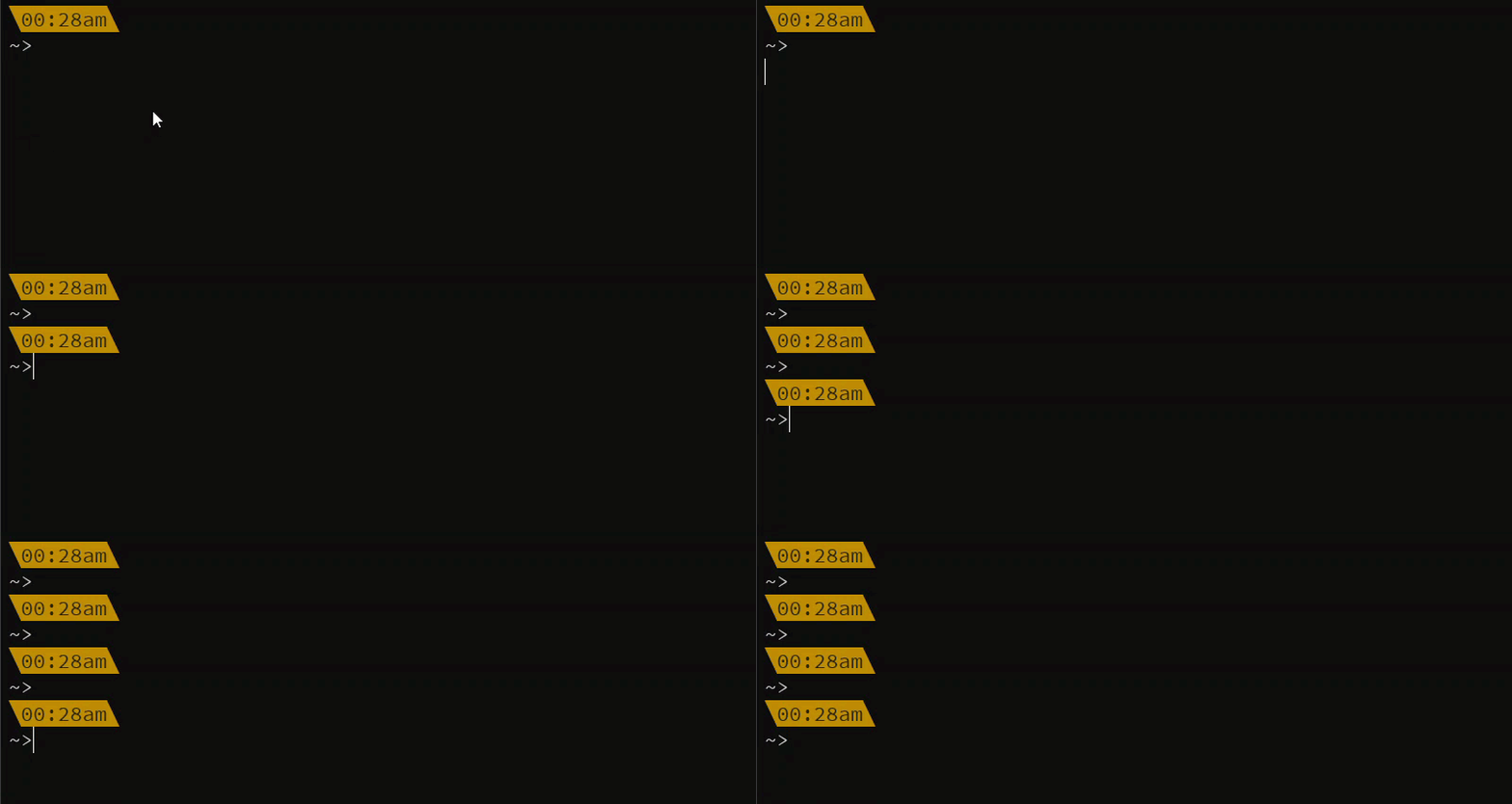
启用瞬态提示符后,可将提示符替换为其他内容,获得更简洁的控制台界面:

配置
需要扩展或创建包含瞬态提示符的自定义主题,例如:
- json
- yaml
- toml
{
  "transient_prompt": {
    "background": "transparent",
    "foreground": "#ffffff",
    "template": "{{ .Shell }}> "
  }
}
transient_prompt:
  background: transparent
  foreground: "#ffffff"
  template: "{{ .Shell }}> "
[transient_prompt]
background = "transparent"
foreground = "#ffffff"
template = "{{ .Shell }}> "
选项
| Name | Type | Description |
|---|---|---|
foreground | string | color |
foreground_templates | array | color templates |
background | string | color |
background_templates | array | color templates |
template | string | a go text/template template extended with sprig utilizing the properties below - defaults to {{ .Shell }}> |
filler | string | when you want to create a line with a repeated set of characters spanning the width of the terminal. Will be added after the template text |
newline | boolean | add a newline before the prompt |
启用功能
当配置中包含瞬态提示符设置时,Oh My Posh 会自动为除 cmd 外的所有 shell 启用该功能。对于 cmd,只需运行以下命令即可永久启用:
clink set prompt.transient always